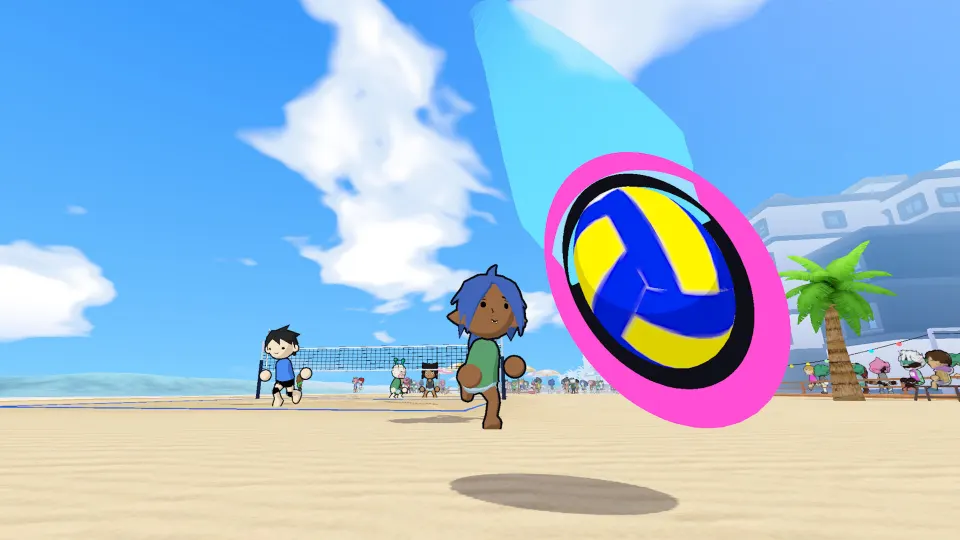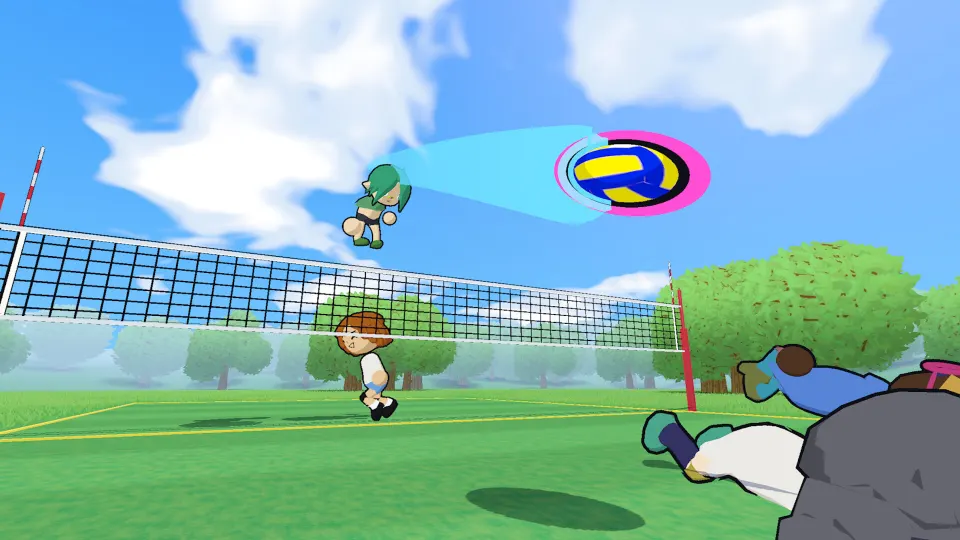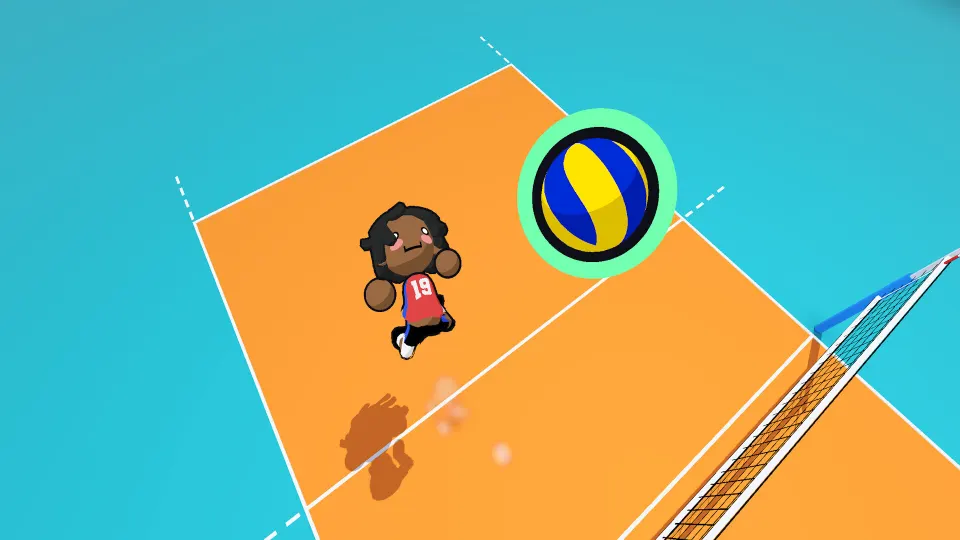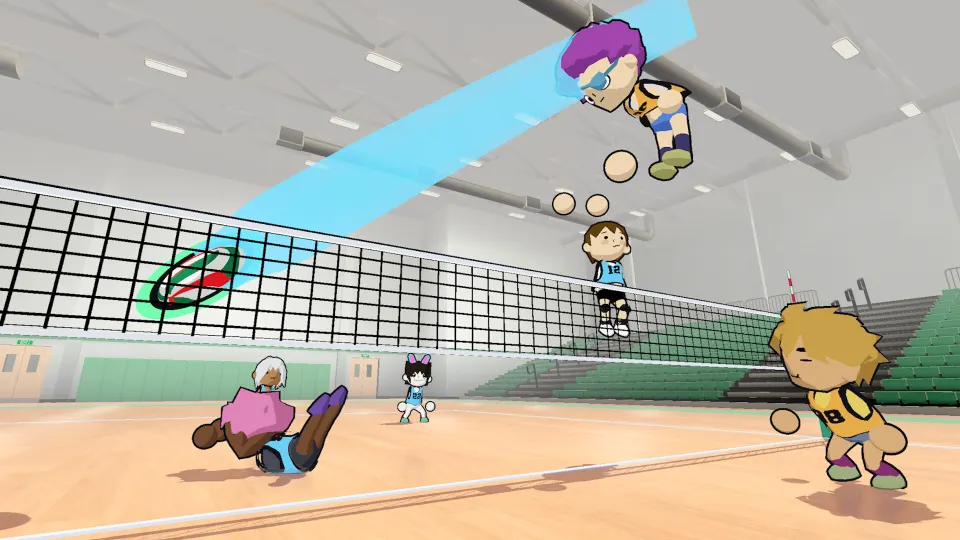
Playing without a premade group
You can play just volleyball without gathering a group of friends: free play and offline bot matches give you ways to practice and play independently. The location and function of a menu button specifically labeled “Without Friends” have not been officially confirmed. For now, choose a mode by what it offers instead of assuming that phrase identifies a particular matchmaking option.
This article covers temkosoft’s standalone PC game. Just Volleyball Online’s beginner guide describes online and offline play, including practice options and computer opponents. Those options make learning possible even when nobody you know is available.
Playing without friends can mean three different things: rehearsing individual skills, playing a match against bots, or finding other people online. Decide which experience you want before navigating the menu. Offline availability does not establish how an online queue handles individual entrants, and a casual mode name does not explain its invitation settings.
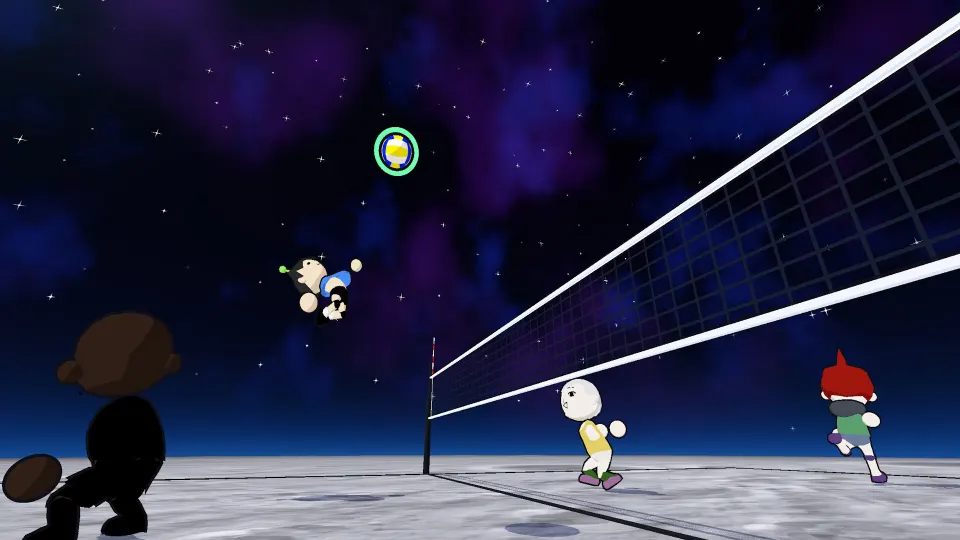
Pick a mode for the session you want
Just Volleyball Online identifies free play, offline bot matches, open gym, and quickplay. Tpose Gaming’s October demo guide also recommends starting with practice and the tutorial before trying bots. Together, these descriptions support a straightforward learning route without requiring an arranged team.
| Your immediate goal | Documented option | Useful focus |
|---|---|---|
| Repeat a skill outside a normal match | Free play | Practice movement, aiming, and contact timing |
| Play against computer opponents without an online lobby | Offline bot matches | Apply individual skills during rallies |
| Look for an online match | Quickplay | Prepare to coordinate passes and court coverage |
For a first session, choose practice or the tutorial if those options appear in your build. Learn to reach the ball while aiming somewhere useful. You control one player, and moving toward a teammate does not automatically direct your next touch toward them.
Move into a bot match once you can receive and serve consistently. Computer opponents provide a match setting for learning positioning and deciding when to pass, set, or attack. Tpose Gaming cautions beginners against assuming the bots will be easy.
Open gym was described as a casual option during the September playtest. Its precise entry process should be checked in your installed version. Likewise, quickplay is documented as an online matchmaking option, but its exact solo-entry steps have not been officially confirmed.
Just Volleyball Online describes formats ranging from 1v1 to 6v6. Check which formats your chosen mode actually offers before planning a session.
Learn the touches before joining teammates
Learning a few reliable actions makes joining unfamiliar players less confusing. Both the controls reference and Tpose Gaming’s demo guide describe keyboard movement combined with cursor aiming. Your position determines whether you can reach the ball; your cursor determines where you intend to send it.
Start with the three contacts that form a basic team attack:
| Rally responsibility | Default action | Aim with this purpose |
|---|---|---|
| Receive an incoming ball | Left-click while grounded | Give a teammate a playable next touch |
| Prepare an attack | Press E to set; charging is supported | Place the ball where an attacker can reach it |
| Finish the return | Jump, then left-click while airborne | Target an opening across the net |
The grounded and airborne distinction matters. Left-click changes from a reception to an attacking contact when you jump. Right-click also changes with your position: it produces a dive on the ground and a block when airborne near the net.
Practice a standing serve before adding a jump:
- Stand in the highlighted service area.
- Left-click to toss the ball.
- Move your cursor toward the opposing court.
- Left-click again while grounded to complete the serve.
Tpose Gaming describes this as the simpler serving sequence. Once it feels consistent, add a jump between the toss and the hit. Hold Space to charge the jump, then release to take off. Moving at takeoff carries horizontal motion into the jump, so stop first when practicing a more stationary contact.
Save some stamina for recovery. Both guides describe sprinting or dashing and diving as stamina-dependent actions. A poorly timed burst of movement can leave less available for an emergency dive. During early matches, positioning and a controlled pass are useful priorities before attempting demanding attacking sequences.
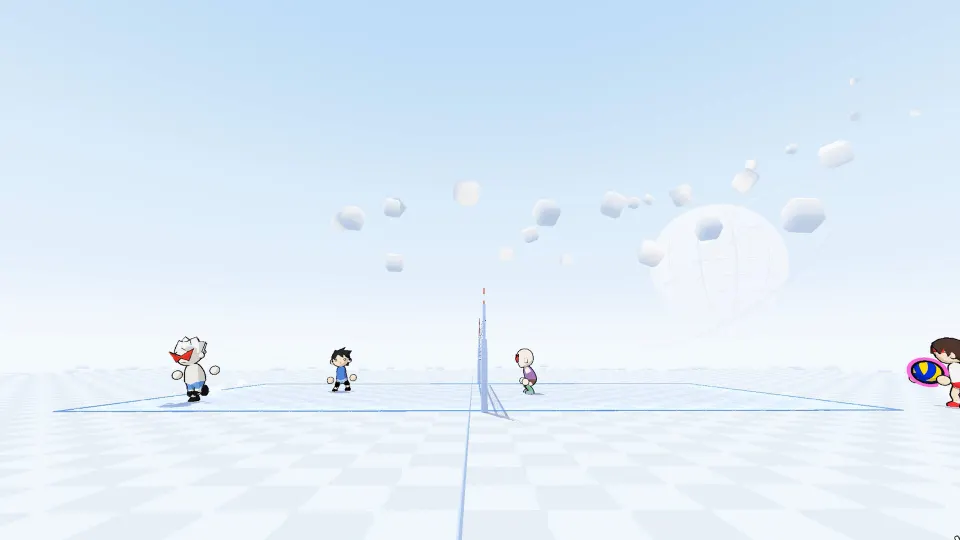
Coordinate with players you have just met
When you join other players, make your next touch easy for a teammate to understand. The basic pattern is a reception toward help, a set into reachable space, and an attack across the net. Treat that as a flexible sequence: the ball’s position and the remaining contacts determine what is possible.
Tpose Gaming explains the restriction on consecutive contacts, while both its guide and Just Volleyball Online describe the three-touch allowance and the treatment of blocks.
| Situation | Rule to remember | Practical response |
|---|---|---|
| You have just received the ball | A player cannot make consecutive ordinary touches | Give a teammate room for the next contact |
| Your team has used two contacts | The team has three contacts available | Prepare to send the next touch across |
| Your team has blocked an attack | Blocks do not count toward the three-touch limit | Organize the next reception and continuation |
Leave space for teammates instead of following every ball. If someone is approaching the net to attack, cover behind them. A blocked shot can return to your court, and everyone moving forward leaves fewer options for recovering it.
Cursor placement also helps communication. Just Volleyball Online’s controls page states that teammates can see your intended target. Aim toward a reachable teammate or attacking space early enough to make the next action clearer.
The same controls page lists 1, 2, 3, and 4 as preset quick-chat inputs. Check their displayed messages before relying on them. They offer another communication tool when you are playing with people you have just met.
Avoid crowding another player’s approach. Tpose Gaming describes teammate knockdowns as part of the game, making spacing useful for both passing and movement.
Check your build when the menu looks different
The available guidance spans different development builds. Just Volleyball Online identifies September 2026 playtest versions 0.76 through 0.77.1 and discusses additions described in an October tutorial. Tpose Gaming’s article covers the October Steam Next Fest demo. Menu names and controls should therefore be checked against the version you launch.
One concrete difference appears in the movement instructions. Just Volleyball Online describes a dash triggered by double-tapping a movement key; Tpose Gaming specifically lists double-tapping W. Both also list Ctrl. The descriptions differ in scope, so use the binding shown in your game when deciding which shortcut to practice.
For an unfamiliar menu or an unexpected input, use this checklist:
- Read the mode labels currently displayed and identify whether you want practice, bots, or online play.
- Open your selected profile’s settings to review your bindings.
- Compare those bindings with the control display on the right side of the screen.
- Try an unfamiliar action in practice before depending on it during a match.
The profile-settings location and on-screen binding display are described by Just Volleyball Online. They help resolve control questions, but they do not establish where a “Without Friends” button should appear.
If that label is absent, its absence alone does not identify a bug. A button-specific unlock requirement, repair procedure, or guaranteed menu path has not been officially confirmed. Use the documented modes available in your build to continue playing.
FAQ
What does the just volleyball without friends button do?
The exact function of a button with that label has not been officially confirmed. The documented options include free play, offline bot matches, open gym, and quickplay. Match the visible mode description to your goal instead of assuming the phrase means solo matchmaking or a particular lobby setting.
Can I play when none of my friends are available?
Yes. Just Volleyball Online describes free play and offline bot matches, while Tpose Gaming recommends practice, the tutorial, and bots for beginners. These give you ways to learn and play without organizing a group. Online entry is a separate question from whether offline practice is available.
Is quickplay the same as playing against bots?
The beginner guide describes quickplay as an option for finding online matches and lists offline bot matches separately. Choose the bot option when you want computer opponents without an online lobby. Check your current quickplay screen for its available settings and entry requirements.
Which controls should I learn first?
Begin with WASD movement, cursor aiming, grounded left-click receptions, and E for setting. Then practice Space for jumping and the different airborne mouse actions. A reliable reception and a simple standing serve give you useful contributions before you attempt more complicated attacks.
Why do two guides describe different shortcuts?
They cover different testing periods and sometimes describe inputs with different levels of specificity. The dash shortcut is one example: one guide names movement keys generally, while another names W. Review your profile bindings and the in-game control display, then test the action in practice.