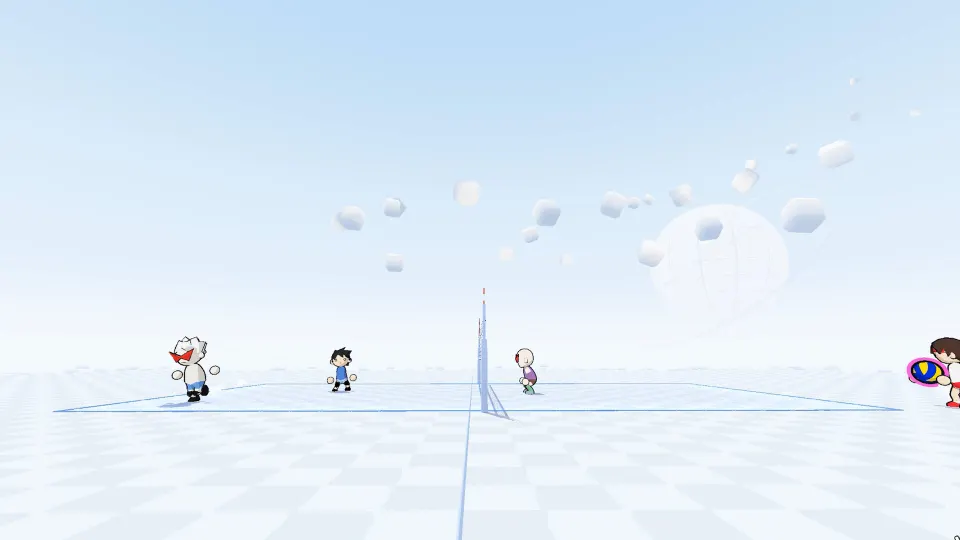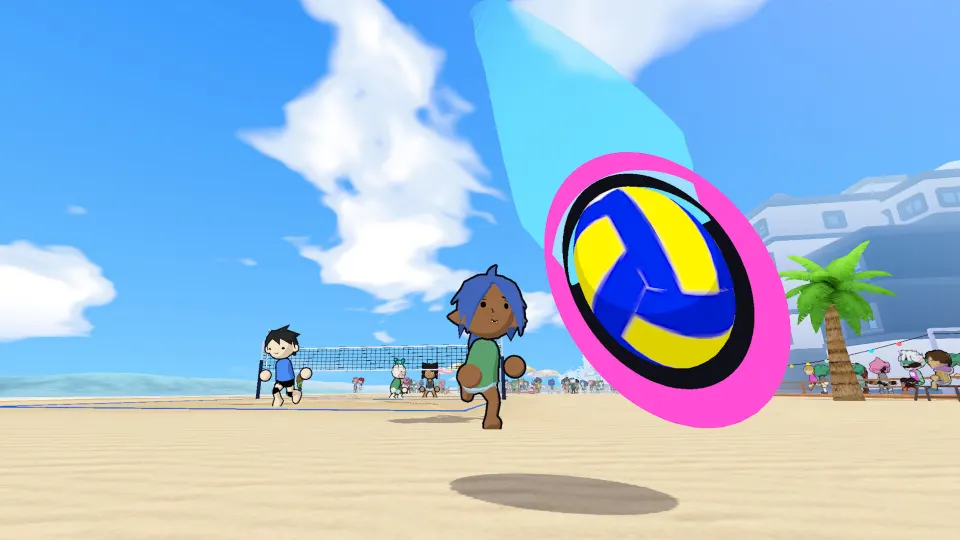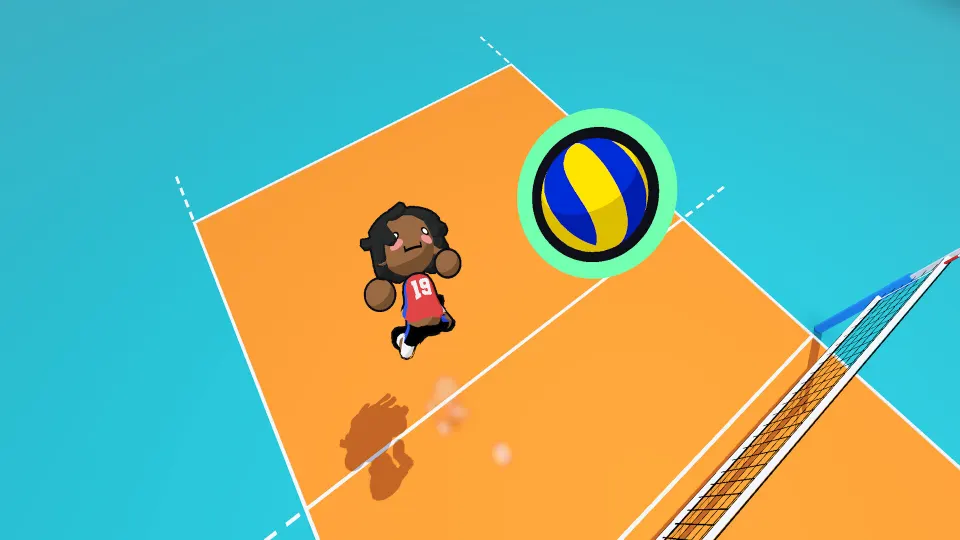
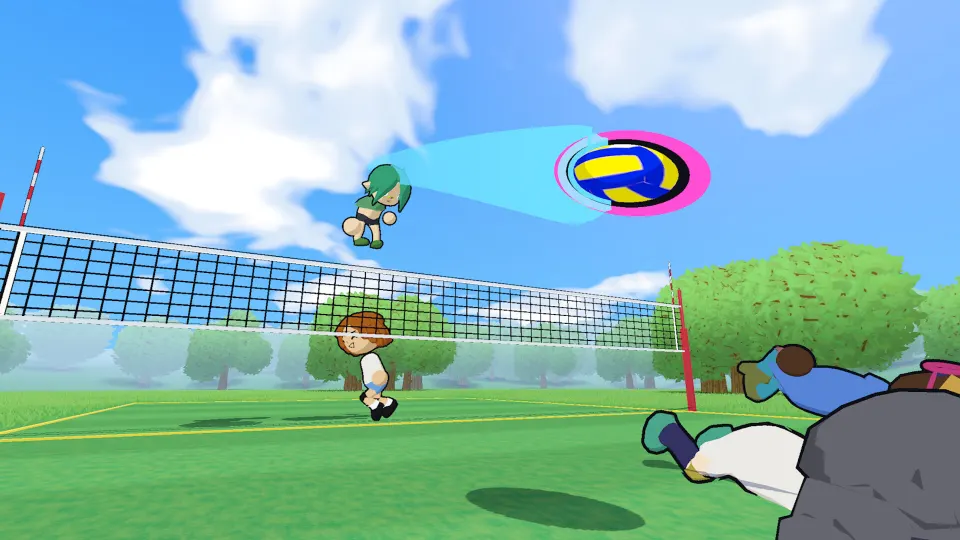
How characters work
The starting point for just volleyball characters is the Locker, where you can personalize your player's appearance. The documented playtest shows face, hair, body, uniforms, voice, and presets tabs, plus size and head-shape sliders. If you want a distinctive player on the court, those are the settings to explore first.
A named character roster with individual abilities or separate stat profiles has not been officially confirmed. The useful information currently available concerns player customization, rather than a catalog of named athletes with different strengths.
| Character detail | Documented information |
|---|---|
| Game | just volleyball, the arcade volleyball game by temkosoft |
| Visual presentation | Stylized, cel-shaded players |
| Customization screen | Locker |
| Visible categories | Face, hair, body, uniforms, voice, and presets |
| Visible sliders | Size and head shape |
This article covers character features documented in the September playtest, which ran from v0.76 through 0.77.1. The fan wiki's playtest overview identifies that build range, so its screenshots should be treated as a record of those versions. Later builds may present different options.
For a new player, the main distinction is between changing a character's presentation and choosing a gameplay advantage. The Locker provides evidence of editable appearance settings. It does not, by itself, establish that a particular face, hairstyle, uniform, or body setting improves performance.
That distinction also helps when watching community clips. An unusual-looking player is not enough to establish a separate character class, a rare unlock, or a special ability. Start with the visible customization features before assuming that another player's appearance represents a different playable character.
Appearance settings in the Locker
The Locker groups character customization into several tabs. Its face, hair, and body categories provide the clearest starting points for exploring your player's look. The documented screen also includes size and head-shape sliders, although their numerical ranges are not established.
| Appearance control | What is documented |
|---|---|
| Face | A dedicated tab appears in the Locker |
| Hair | A separate hair tab is visible |
| Body | Body customization has its own tab |
| Size | A size slider appears on the customization screen |
| Head shape | A head-shape slider is visible |
These labels identify the available categories, but they do not establish a complete inventory of choices. Exact hairstyle counts, facial options, slider limits, and any restrictions between settings have not been officially confirmed. Treat the table as a map of the documented screen, rather than an exhaustive catalog.
A straightforward way to explore the appearance controls is to change one category at a time. This makes it easier to understand which setting produced a particular result, especially when you are adjusting the player's proportions.
- Start with face and hair. Explore those tabs before making several other changes.
- Review the body category separately. Keep track of which adjustments affect the overall appearance.
- Move sliders individually. Compare the result of a size adjustment before changing head shape.
- Check the uniform afterward. Evaluate the complete appearance once the character and clothing choices are together.
- Keep your first setup simple. You can learn the available options without finding a perfect combination immediately.
The size slider deserves particular care when interpreting its purpose. A larger-looking character should not automatically be treated as a better blocker or attacker. Whether size changes reach, movement, collision behavior, or any other gameplay property has not been officially confirmed. Choose a setting for the appearance you want while keeping that uncertainty separate.
Uniforms, voice, and presets
The Locker also includes uniforms, voice, and presets. These categories sit alongside the appearance tabs, but their presence does not establish every detail of how they work. In particular, the documented screen does not provide preset capacity, a voice inventory, or a complete uniform list.
| Locker category | Confirmed screen detail | Detail not officially confirmed |
|---|---|---|
| Uniforms | A dedicated uniforms tab is visible | Full clothing inventory and restrictions |
| Voice | A dedicated voice tab is visible | Number and contents of voice choices |
| Presets | A dedicated presets tab is visible | Slot count and save or load behavior |
The fan wiki's character customization overview specifically discusses jersey color and jersey number. Those are useful details to look for when exploring your player's outfit. However, the exact color selection rules, available number range, and relationship between personal choices and team appearance are not established by the overview.
Avoid treating a jersey number as evidence of a character's identity or capabilities. A visible number does not establish a named roster entry, a player rating, or a special role. Likewise, a different jersey color does not establish a separate character type.
The overview also mentions players appearing without a jersey. That appearance is documented, but its cause is not established in the overview. A specific removal option, unlock requirement, or bug explanation has not been officially confirmed. There is no verified step-by-step method to promise for reproducing it.
When exploring these tabs, keep a few practical questions in mind:
- Does the uniform setting you want appear in your installed build?
- Does the voice tab explain when a selected voice is used?
- Does the presets tab display instructions for saving or applying a setup?
- Does the completed appearance look the way you expected during play?
The voice tab alone does not establish microphone or voice-chat functionality. Similarly, the presets label does not establish that every appearance choice is stored together. Use any explanations displayed by your build before relying on either feature to behave a particular way.
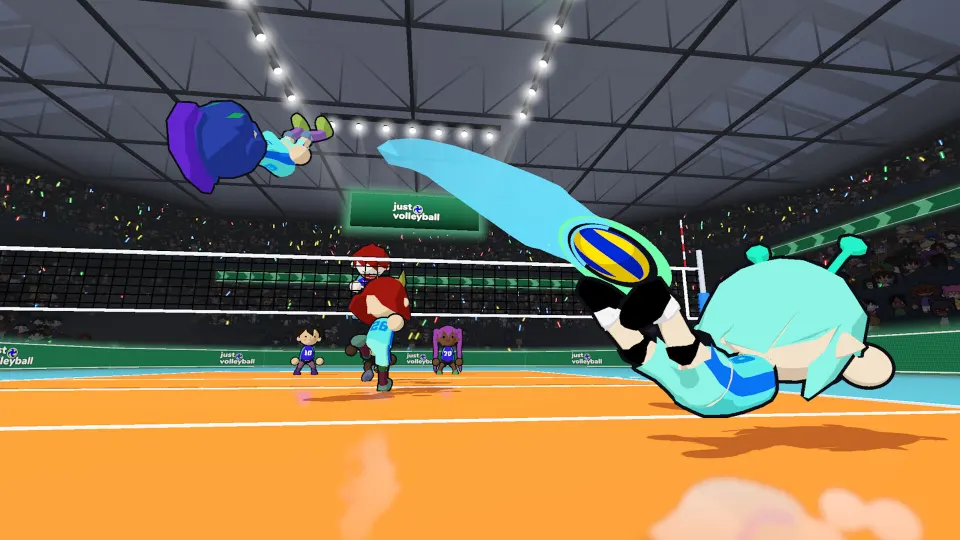
Using your character on the court
Once you have explored the Locker, playing a few rallies helps put the character's appearance in context. The documented game options include free play, offline bot matches, an open gym, and match formats ranging from 1v1 to 6v6.
| Play option | Documented purpose or format |
|---|---|
| Free play | A place to rehearse gameplay |
| Offline bot matches | Matches against computer-controlled opponents |
| Open gym | A separate gym option covered by the playtest overview |
| Match formats | Games ranging from 1v1 through 6v6 |
For a first check, free play is a reasonable place to become familiar with how your customized player looks while moving and contacting the ball. Offline bot matches then provide another way to play without immediately depending on human opponents. These are practical suggestions based on the documented modes, rather than character progression requirements.
The central gameplay mechanic described by the fan wiki is cursor-directed ball contact: where you aim determines where your touch sends the ball. That gives you a concrete skill to practice after customization. No verified character-specific stat system is available here to support choosing a particular appearance for stronger touches.
If you are comparing two looks, try to keep the playing situation similar. Switching appearance settings while also changing opponents or match format makes it harder to interpret differences. A successful rally after a cosmetic adjustment does not establish that the adjustment caused the improvement.
There is also no officially confirmed character tier list to guide selection. Rankings would need reliable evidence of meaningful differences between characters or settings. Until those differences are established, the useful choice is an appearance you enjoy, followed by practice with the game's aiming and rally mechanics.
Keep build differences in mind throughout. A customization option visible in a September screenshot may have moved or changed later. The version described by a guide matters more than whether its screenshot resembles a character you encountered in a recent match.
FAQ
Is there a named roster of just volleyball characters?
A named playable roster has not been officially confirmed. The documented character features focus on editable players in the Locker. There is no established roster of named athletes with individual biographies, signature moves, or unlock conditions to list.
Where do I change my character's appearance?
Start in the Locker. The documented playtest screen includes face, hair, body, uniforms, voice, and presets tabs, together with size and head-shape sliders. Exact choices and their arrangement may differ between builds.
Does making a character bigger improve blocking or reach?
That has not been officially confirmed. The presence of a size slider establishes an adjustable character setting, but it does not establish a gameplay bonus. There is no verified basis here for recommending maximum size as a competitive advantage.
Can I customize my jersey color and number?
The fan wiki's customization overview identifies jersey color and number as topics within character customization. Exact selection rules and limits are not established there. Check the uniforms category in your build for the choices it actually offers.
How do I make my character appear without a jersey?
Players appearing without jerseys are mentioned in the fan wiki's overview, but a verified method is not established. A specific toggle, required preset, or unlock condition has not been officially confirmed.
Are presets separate playable characters?
A presets tab is visible, but that does not establish separate characters with different abilities. Its exact save and load behavior has not been officially confirmed. Treat it as a Locker feature to inspect before making assumptions about what it stores or changes.